
What Does It Actually Cost to Run an Online Store?
The price you see when you set up a store is rarely what you spend over a year. Payment processing takes a percentage of every sale, apps carry their own subscriptions, and hosting, backups and maintenance sit outside the platform fee.
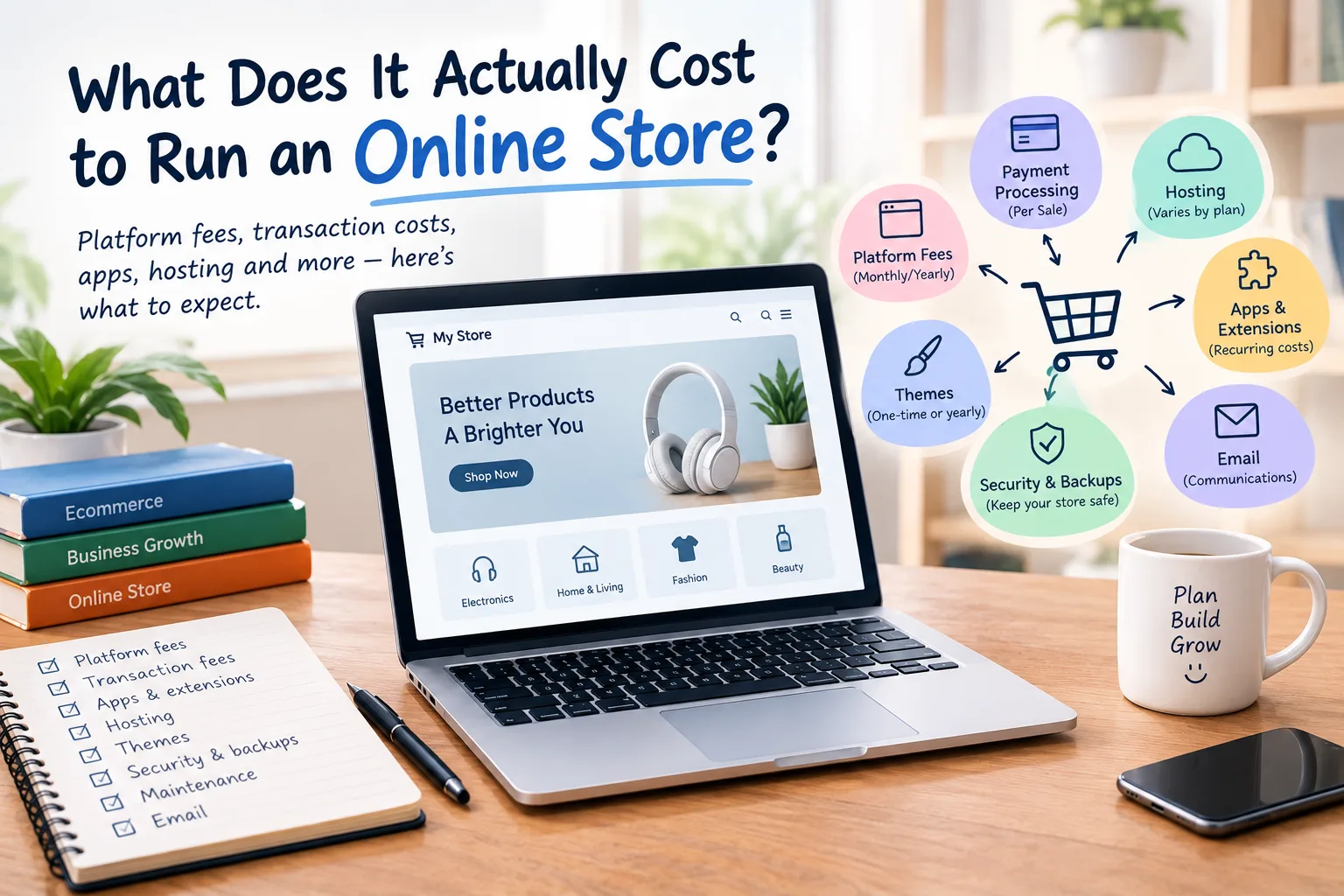
The price you see when you first set up an online store is rarely the amount you'll spend over the whole year.
A platform might advertise a monthly plan that looks affordable, but that's only one part of the bill. Payment processing takes a percentage from every sale. Apps and extensions add features but often come with their own subscriptions. Hosting, backups, security, email, and maintenance are important. You also need time to keep everything running.
The true cost of running an online store depends more on how you build it and the effort needed. It matters less than the platform's price.
There are three broad ways to run an online store:
- Hosted platform: You pay a fee each month or year. Hosting is usually included. It's simpler to manage, but you have less control over the underlying setup.
- Self-hosted store: The ecommerce software can be free. However, you will pay for hosting, themes, extensions, security, and other services.
- Custom-built store: You pay more upfront for development and customization. Ongoing costs come from several areas. They depend on technology, hosting, maintenance, and needed changes for the store.
None of these has one universal price. The useful number is what the store will actually cost you to keep running for a full year.
The Yearly Cost of an Online Store
The following are planning figures, not guaranteed prices. Prices vary by provider, country, store size, features, traffic, and payment method. Figures that involve specific current products were checked on 18 October 2026.
| Cost | Hosted Platform | Self-Hosted Store |
|---|---|---|
| Platform or licence | About $350–$3,600+ per year depending on plan | $0 for WooCommerce core |
| Hosting | Usually included | About $300–$4,200/year for many WooCommerce stores |
| Theme | $0–$500+ | $0–$129/year in the official WooCommerce marketplace examples |
| Extensions or apps | Free to paid; can become a significant recurring cost | Free to paid; many official extensions are $29–$299/year each |
| Payment processing | Per sale; not a fixed yearly cost | Per sale; not a fixed yearly cost |
| Backups and security | May be included or added separately | Usually your responsibility; cost varies |
| Free or paid depending on service | Free or paid depending on service | |
| Maintenance | Less technical work, but still required | More hands-on work and potentially higher maintenance cost |
These figures show why simply comparing platform subscriptions can be misleading. Shopify offers plans starting at $19/month for Basic when billed yearly, or $25/month billed monthly. The Advanced plan costs $299/month billed yearly. The Plus plan starts considerably higher.
For self-hosted WooCommerce, the core software itself is free. WooCommerce offers hosting that costs between $25 and $350 each month for most stores. Paid extensions range from $29 to $299 per year for each extension.
Theme pricing also varies widely. Shopify's theme marketplace offers both free and paid themes. Paid themes can cost up to $500. In contrast, WooCommerce has free themes too, with paid ones priced between $39 and $129 each year.
Transaction Fees Are the Cost People Forget
This is probably the easiest expense to overlook.
Payment processing isn't usually a fixed bill like hosting. The payment provider takes a percentage from each transaction. They often add a fixed fee too.
For example, Stripe charges 2.9% + $0.30 for each successful domestic card transaction. Extra fees may apply for international cards or currency conversion. PayPal's US checkout pricing works on a percentage-plus-fixed-fee model. The exact rate varies by payment product.
These are US examples, not universal rates. Your payment costs depend on a few factors. These include the processor, country, card type, currency, and payment method.
The important point is how the expense behaves.
If your store makes $5,000 in sales, the processing fees are likely small. In contrast, a store making $100,000 may face much higher fees. The percentage scales with your revenue.
Some ecommerce platforms may charge extra transaction fees. This depends on how you handle payments.
So when you calculate the cost of an online store, don't put payment processing in the same box as hosting. It's a variable selling cost.
Apps and Extensions Add Up Quickly
Most stores eventually need more than the basic shopping cart.
You might add an extension for:
- Shipping rules
- Tax calculations
- Product reviews
- Subscriptions
- Abandoned-cart recovery
- Product feeds
- Analytics
- Marketing automation
- Additional payment methods
Some are free. Others charge monthly or yearly subscriptions.
The problem isn't usually one $20 or $30 subscription.
It's five or six of them.
Small recurring charges can add up to a big bill each year. This is common when you forget that some subscriptions renew automatically.
Before installing an extension, ask yourself two questions:
Do I actually need this feature?
And:
What will it cost me next year?
WooCommerce's marketplace lists extensions at various prices. Many cost between $49 and $129 per year, but some are even more expensive.
An Online Store Is a Heavier Workload Than a Blog
An online store has more going on behind the scenes than a normal content website.
A blog page might mainly need to deliver text, images, and a few scripts.
A store handles many tasks:
- Products
- Searches
- Carts
- Checkout sessions
- Customer accounts
- Inventory
- Orders
- Payments
- Database activity
Some tasks also run in the background.
That means store hosting needs to handle more than simply serving pages quickly.
Ecommerce pages can't be cached as easily as static blog articles. This is because they often have personalized or dynamic elements.
To figure out server capacity for an ecommerce site, How Much RAM and CPU Does a VPS Actually Need? is a useful background before you start comparing hosting plans.
Hosted vs Self-Hosted: The Honest Comparison
A hosted platform gives you a more predictable bill.
You pay for the platform. The hosting infrastructure is mostly managed for you. The platform might manage updates. It could also handle security features. Checkout systems and technical maintenance may be partly managed, too.
The trade-off is control.
You have to work within the platform's system, and moving away later can require more planning.
A self-hosted store gives you more control over the environment.
With WooCommerce, the software is free. However, you must choose hosting and manage the other components yourself. WooCommerce calls its core platform free. There are no monthly fees or revenue shares.
That flexibility can be useful, but it also means more responsibility.
So which is cheaper?
There isn't a universal answer.
A hosted store can cost more in platform fees but less in technical management. A self-hosted store can save on software costs. However, it often needs more money for hosting, extensions, security, backups, and maintenance.
The deciding factor is often who is doing the work.
Where Cutting Costs Can Backfire
Saving money on an online store isn't always saving money.
Skipping backups can save money now. But if something goes wrong, you might find no recent copy of your products, orders, or customer data.
Choosing a host that struggles during busy checkout times can hurt your sales. Customers may not finish their orders.
Ignoring an expiring domain can make the entire store unreachable.
And leaving ecommerce software or extensions outdated creates unnecessary security and compatibility risks.
If you have a business that depends on a domain, you should know What Happens When a Domain Expires? before treating domain renewal as something you can deal with later.
The same applies to performance. If customers say pages or checkout are slow, don't rush to think you need a pricier server. Your Site Is Slow — Is It the Host or Your Site? can help you separate hosting-related problems from problems caused by the website itself.
Three Examples of What a Store Might Cost
The numbers below are broad planning ranges rather than promises. Your actual cost can be outside them.
1. A Small Side Project
Imagine a store selling a handful of products with modest traffic.
A basic hosted setup keeps technical costs simple. In contrast, a self-hosted setup can use free e-commerce software and low-cost hosting.
A rough planning budget might be $500 to $1,500 per year. This is before payment processing and major development costs.
The main differences come from the platform plan, theme, and whether you add paid apps.
2. A Small Business Store
A business with a larger catalogue usually needs more than a basic setup.
You might need better hosting, paid shipping, or marketing tools. A professional email, backups, and occasional tech support could also help.
A budget of $1,500–$5,000 per year is reasonable. This is before payment processing and major custom development costs. However, the final amount really depends on the setup.
It's better to compare the full annual cost than just the monthly platform prices.
3. A Busier Store
A store with a big catalog has a unique cost structure. It gets high traffic and has many integrations. Plus, it receives frequent orders.
Hosting may need to be upgraded. More apps may be required. Maintenance becomes more important, and custom development can become a substantial expense.
For this type of store, annual operating costs can reach $5,000 to $15,000 or more. This does not include payment processing, inventory, shipping, advertising, or major development projects.
The main point is that catalogue size and traffic matter more than the name of the ecommerce platform. They can impact operating costs significantly.
Don't Forget the Cost of Your Time
There's another cost that rarely appears in pricing tables.
Your time.
Someone has to:
- Add and update products
- Check orders
- Handle customer accounts
- Fix broken integrations
- Update extensions
- Review security alerts
- Check backups
- Deal with payment issues
- Monitor store performance
A hosted platform can reduce some of that technical workload.
A self-hosted store offers more control. However, it needs more hands-on management.
If you don't value your own time, a cheaper setup might cost you more in the long run.
Use a Calculator, But Don't Stop There
Our hosting cost calculator helps you estimate server expenses. It's useful for comparing different hosting needs.
But hosting is only one part of the picture.
To make a realistic yearly budget, include these costs:
- Platform or software
- Themes
- Extensions
- Payment processing
- Backups
- Security
- Maintenance
- Development work
And if your store runs on WordPress, How Much Does a WordPress Site Actually Cost Per Year? is worth reading. Many costs for a normal WordPress site also apply to an ecommerce setup.
What Is the Useful Number?
The goal isn't to build the cheapest possible online store.
You need to know the costs of running a store. It should be secure, backed up, available, and fast enough for reliable orders.
A store that costs $20 less each month might not save money. If the hosting can't handle busy times, it could lose orders.
Likewise, paying for ten apps you barely use doesn't make sense just because the store has the budget.
Look at the full yearly picture.
A hosted platform may give you a more predictable bill. A self-hosted store may give you more control over where the money goes. A custom build works well for needs that standard platforms can't meet. However, it often costs more to develop and maintain.
The right budget fits your actual store. It's not just the lowest price you see.
Provider Disclaimer
This article is for general educational and informational purposes. Provider and product names are mentioned only as facts. They are not endorsements or recommendations. Prices may vary, and the numbers in this article were confirmed on 18 October 2026. Nobody pays to be named here.
Common questions
How much does it cost to run an online store per year?
A small online store might run on just a few hundred dollars each year. In contrast, a more established store can cost several thousand dollars annually. The main variables are the platform, hosting, apps, payment volume, security, maintenance, and traffic. There is no single yearly figure that fits every store.
Is a hosted platform cheaper than a self-hosted store?
Not necessarily. A hosted platform often means a steadier monthly cost. It also takes care of more technical tasks. A self-hosted store uses free ecommerce software. However, you pay extra for hosting, extensions, backups, security, and maintenance. The cheaper option depends partly on how much technical work you can handle yourself.
What are payment processing fees?
Payment processing fees are charges taken when a customer pays for an order. They commonly include a percentage of the transaction plus a fixed amount. The exact rate can change. It depends on the payment provider, country, payment method, and card type. Unlike hosting, this cost increases as your sales volume increases.
Why does store hosting cost more than blog hosting?
An online store has more database activity and dynamic processes than a simple blog. Product searches use resources. Carts also do. Customer accounts, checkout, inventory, and orders use resources, too. Background jobs need resources as well. Ecommerce pages also can't always be cached as aggressively as ordinary content pages. As traffic and catalogue size grow, hosting requirements can increase.
How much do ecommerce apps and extensions cost?
Some ecommerce apps and extensions are free. Paid options can range from a few dozen dollars to several hundred dollars each year. WooCommerce's official marketplace offers many extensions. Prices range from about $29 to $299 each year. The total depends on how many features your store actually needs.
Is WooCommerce really free?
Yes, the WooCommerce core platform is free and open source. That doesn't mean an online store built with it has no costs. You'll still need hosting. You may also need to pay for a theme, extensions, payment services, backups, security, email, or development work. WooCommerce states there is no monthly fee or revenue share for its core platform.
Do I need a VPS for an online store?
Not every store needs a VPS. A small store with low traffic can thrive on shared or managed hosting. As traffic, catalog size, database activity, or customization grows, you might need more resources. This means extra help may be necessary. The right choice depends on the store's real workload, not just the number of products.
What hidden costs do online stores have?
Commonly overlooked costs include payment processing, app renewals, premium themes, backups, security services, email accounts, maintenance, development, extra storage, and higher hosting requirements as traffic grows. Domain renewal is another one to remember. None of these is necessarily a surprise if you include them when creating your yearly budget.
Can I move my store to another platform later?
Yes, but moving an ecommerce store can be more complicated than moving a basic website. You might need to move or rebuild several items. This includes products, customers, orders, URLs, payment settings, integrations, and design elements. Before choosing a platform, check how easily you can export your important data if you ever decide to move.
How much does a store theme cost?
A store theme can cost nothing or several hundred dollars. Shopify's theme marketplace offers free themes and paid ones up to $500. WooCommerce also has a mix of free and paid themes. A theme is usually a smaller expense than ongoing hosting, apps, and payment processing.
Do I need paid backups for an online store?
You need reliable backups, but they don't necessarily have to come from a paid service. The important thing is having a backup system that actually captures the data you need and can be restored when something goes wrong. For a store, that can include products, orders, customer information, databases, uploads, and configuration.
What is the cheapest way to start selling online?
The cheapest setup is often a basic store with a small product list. Use free ecommerce software or a low-cost hosted plan. Choose a free theme and only the extensions you need. But don't cut essential security, backups, or payment functionality just to reduce the first-year bill. A cheap store that can't reliably process orders isn't really cheap.