Do You Need to Pay for an SSL Certificate?
For most websites, no. A free SSL certificate gives you the same basic encryption as a paid one. Paid certificates exist for specific business or technical needs, not for stronger encryption.
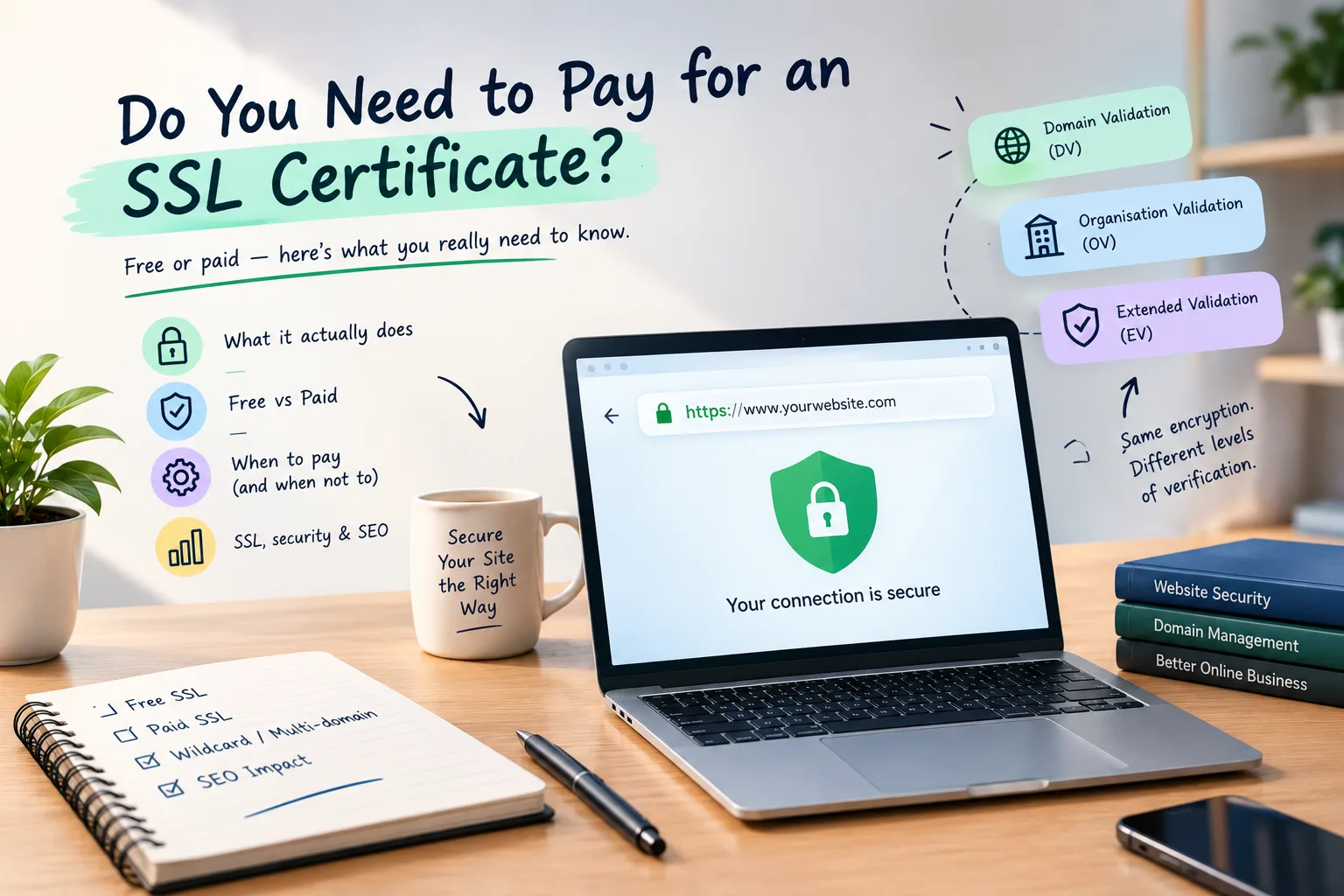
For most websites, no, you don't need to pay for an SSL certificate. A free SSL certificate offers the same basic encryption as a paid one. This is sufficient for most blogs, business sites, portfolios, and many online stores. Paid certificates still exist. They address specific business or technical needs. They don't automatically provide "stronger" encryption just because you paid for them.
The confusion usually starts when SSL is sold as an extra feature. You might find a hosting plan with a free certificate. There may also be another option that charges extra for one. That can make it seem as though the paid version must be safer. In reality, the important question is what the certificate is being used for.
There's another common misunderstanding too. The padlock in your browser shows that your connection to the website is secure. It doesn't mean the business is verified, the website is real, or the person behind it is trustworthy.
What Does an SSL Certificate Actually Do?
SSL certificates are used with HTTPS.
They encrypt information that travels between your browser and a website's server. That makes it much harder for someone sitting between you and the server to read the traffic.
The certificate helps the browser check that it's connecting to the correct domain.
That's the main job.
It doesn't inspect the business. It doesn't scan the website for malware. It doesn't check whether the products being sold are legitimate.
This distinction matters because HTTPS and trust aren't the same thing.
A phishing website can use HTTPS too.
DV vs OV vs EV Certificates
There are three main validation levels for SSL certificates:
- Domain Validation
- Organization Validation
- Extended Validation
The biggest thing to understand is that the encryption itself isn't made stronger by moving from DV to OV or EV.
| Certificate type | What is verified | Typical issue time | Typical cost | Who it suits |
|---|---|---|---|---|
| DV | Control of the domain | Usually quick | Often free or paid | Most websites |
| OV | Domain plus organisation details | Usually longer than DV | Varies | Organisations needing identity details |
| EV | More extensive organisation validation | Usually longer | Varies | Specific business or compliance requirements |
These are general descriptions. The exact validation process depends on the certificate authority and certificate being issued.
For most ordinary websites, DV is enough.
OV and EV aren't simply "more secure versions" of DV. Their main difference is the amount of organisation information that gets verified.
Free SSL Certificates: What Are You Getting?
A free SSL certificate isn't a trial version of HTTPS.
A valid free DV certificate is trusted by popular browsers. It offers encrypted HTTPS connections, just like a paid DV certificate.
The bigger practical issue is renewal.
Free certificates are often designed to renew automatically. That's convenient because you don't have to remember a renewal date every few months.
But automatic renewal isn't something you should blindly assume.
If the renewal fails and the certificate expires, visitors will see a warning. This happens when they try to open your website.
When your hosting provider says SSL is included, find out what "included" really means.
Does it renew automatically?
Does the host handle installation?
What happens if renewal fails?
Is support available if the certificate stops working?
These questions are better than just asking if the SSL certificate is free or paid.
When Does Paying for SSL Make Sense?
There are situations where paying for a certificate can be reasonable.
For example, your organisation may need its verified details associated with the certificate. A client or compliance process may also require a particular certificate type.
You might need a certificate with features not offered by your hosting provider's free SSL setup.
Wildcard and multi-domain certificates are examples.
Another reason can be support or a warranty offered by the certificate issuer. Whether those features are useful depends on your business and its requirements.
The important point is that you're paying for a specific feature or service.
Don't pay just because someone says a paid SSL certificate offers "better encryption."
What an SSL Certificate Does Not Do
This is probably the most important part to understand.
HTTPS doesn't make a website trustworthy by itself.
A certificate doesn't:
- Remove malware from your website.
- Protect you from weak passwords.
- Prevent someone from stealing a password through phishing.
- Prove that a company is legitimate.
- Guarantee that an online shop will deliver what it promises.
- Protect outdated website software from vulnerabilities.
The padlock shows that the connection is encrypted. It also means the browser has checked the certificate for the domain.
You still need normal website security.
Use strong passwords. Keep your software updated. Limit unnecessary access. Keep backups. Monitor the website for suspicious activity.
SSL is one part of security, not the entire security plan.
What Is a Wildcard SSL Certificate?
A normal certificate can cover a specific domain or a defined set of names.
A wildcard certificate covers a domain and its subdomains.
For example, a business might have:
- www.example.com
- shop.example.com
- account.example.com
A wildcard certificate is handy if you have many subdomains. It allows one certificate to protect them all.
That doesn't mean every website needs one.
If your website only uses the main domain and one normal www version, a standard certificate may be all you need.
What Is a Multi-Domain Certificate?
A multi-domain certificate covers several domain names with just one certificate. This depends on how the certificate is set up and its limits.
This can be useful for businesses managing several related domains.
It's a specific requirement, not a general upgrade for all websites.
If you run just one website, don't complicate your SSL setup. A multi-domain option isn't necessary for you.
SSL Expiry Is the Real Problem
An SSL certificate can be valid now but may cause issues later if it isn't renewed.
When a certificate expires, browsers may show a full-page security warning. They won't just load the website.
For a business website, that warning can discourage visitors from continuing.
Automatic renewal helps prevent issues, but check to ensure it works.
Renewal can fail for different reasons. A domain may no longer point where the certificate system expects it to point. A validation method can stop working. DNS changes can interfere with verification. A server configuration can also cause problems.
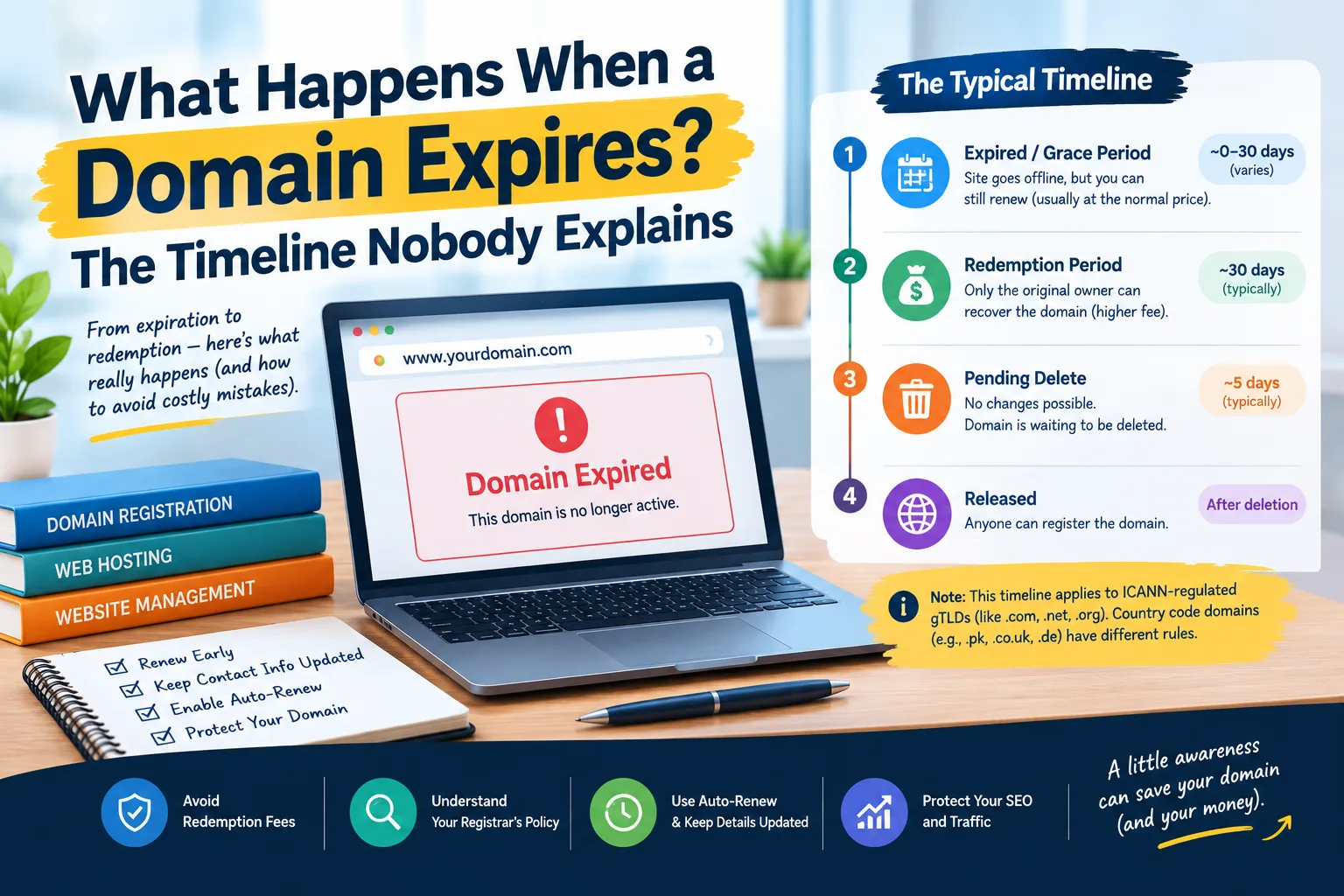
This is similar to what happens when you forget about your domain itself. What Happens When a Domain Expires? explains how domain expiry can lead to bigger issues than just losing a website address.
The lesson is simple: don't assume that "automatic" means "nothing can ever go wrong."
Check your site after renewal.
What Happens If You Move Your Domain?
Moving a domain to a new registrar usually doesn't require a new website.
Your domain registration and SSL certificate are separate things.
If you switch the domain to a new registrar, the certificate will still work. Just make sure the domain and website are set up correctly.
The same applies when changing hosting.
Before making changes, find out where your DNS records are managed. Also, understand how the certificate is issued and renewed.
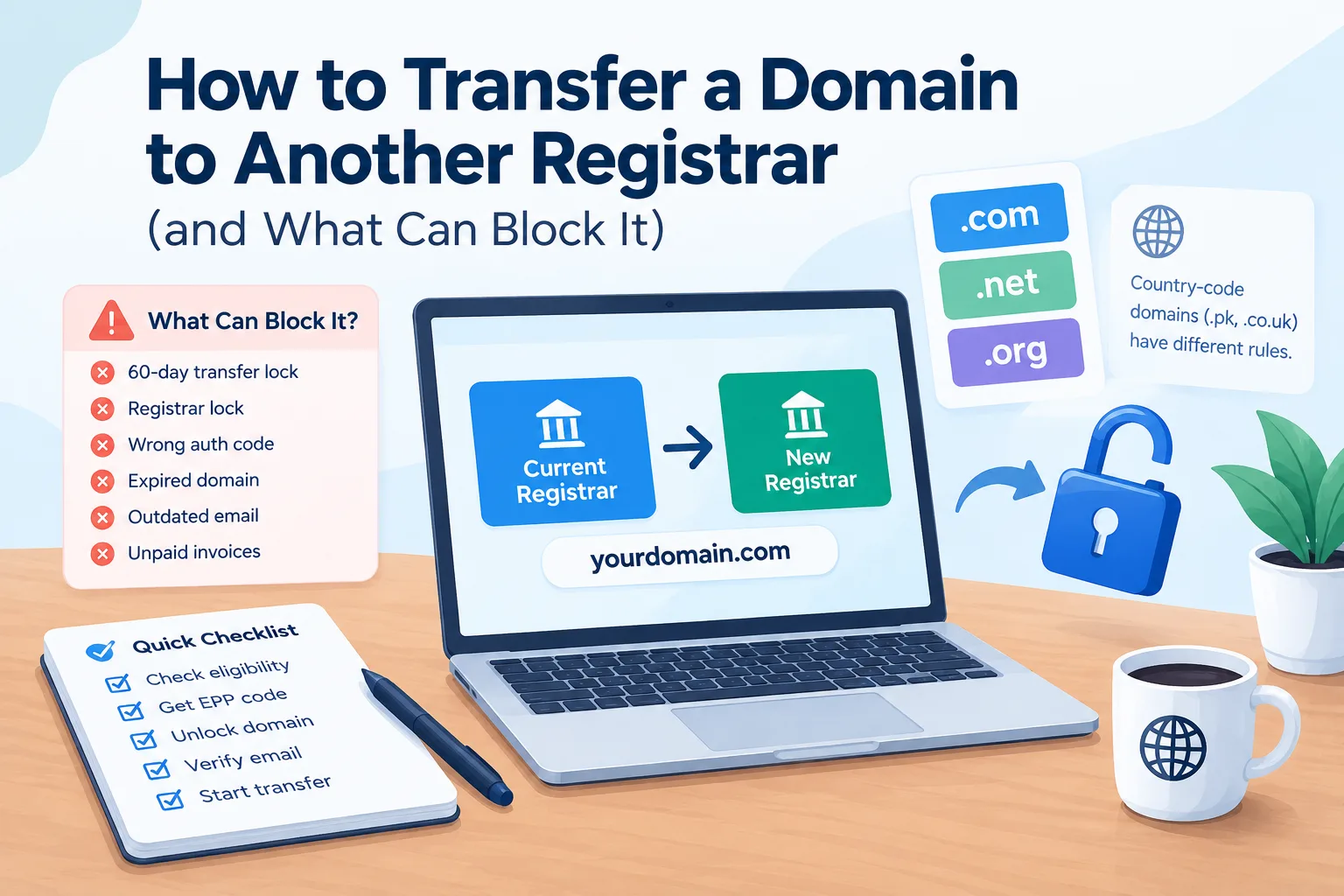
To move a registrar, check out How to Transfer a Domain to Another Registrar. It explains the steps and possible delays.
It's important to avoid changing many things at once. You need to know which system controls each part.
Why Does My Site Still Say "Not Secure"?
You might install an SSL certificate and open the website, but still see a warning.
That doesn't always mean the certificate itself is broken.
One common cause is mixed content.
This happens when the main page loads using HTTPS. Some resources, such as images and scripts, are still requested over HTTP. Stylesheets and other files can be loaded that way too.
A common issue is that the website's HTTP version hasn't been redirected to HTTPS.
Ideally, your website should have one canonical HTTPS version. Other versions should redirect to it.
If you've switched to HTTPS and the site is still slow or acting weird, don't just blame the certificate. Your Site Is Slow — Is It the Host or Your Site? can help you look at the wider causes of website performance problems.
Does Paying for SSL Help SEO?
HTTPS matters for a modern website.
Visitors want secure connections. Browsers can alert users if a site isn't using HTTPS correctly. Search engines also expect websites to provide a secure experience.
But there's an important difference between having HTTPS and buying a paid certificate.
Upgrading from a free DV certificate to a paid DV certificate won't give your website a ranking boost.
If your site already uses valid HTTPS, paying more for the certificate isn't an SEO shortcut.
SEO results rely on several factors. These include content, relevance, technical health, competition, and authority.
If you're curious about when those changes will show up in search, How Long Does SEO Take to Show Results? covers the stages and realistic timelines involved.
Do You Need SSL for a Non-Payment Website?
Yes, HTTPS is still useful even if your website doesn't accept payments.
A blog, portfolio, company site, or info page can have forms, login areas, and analytics. They can use cookies or other tools to share info between visitors and the server.
More importantly, HTTPS is now the normal way websites are expected to work.
Keeping a basic informational website on HTTP offers little advantage. This is true even if visitors aren't entering credit card details.
A free certificate can usually handle the requirement without adding another recurring expense.
How to Decide What You Need
For most websites, the decision is actually quite simple.
You can use a free DV certificate. This works for a blog, portfolio, business site, or basic WordPress setup. It usually does the job.
If your business needs verified info, think about paying for it. Compliance and certificates might also be worth the cost. The same goes for a special wildcard or multi-domain setup.
Before purchasing anything, check what your hosting provider already includes.
You may already have everything you need.
Check if SSL renewal is automatic. Ensure the certificate covers all the domains and subdomains you use. Also, confirm that HTTPS redirects are set up correctly.
There's no reason to pay for a feature you don't need.
The Bottom Line
An SSL certificate is important, but paying for one isn't automatically necessary.
For most websites, a free DV certificate provides the HTTPS encryption visitors need. Paid certificates serve real purposes. Their value comes from extra validation, coverage, support, or specific needs. It's not about better basic encryption.
The padlock is also not a trust badge. It tells you the connection is protected by HTTPS. It doesn't tell you whether the website itself is honest or secure in every other respect.
So before buying an SSL certificate, check what you already have.
You may find that the certificate you need is already included with your hosting.
For more domain-related guides, visit the Domains category.
Provider Disclaimer
This article is for general educational and informational purposes. Provider and product names mentioned here are just examples. They are not endorsements or recommendations. SSL certificate features, validation processes, pricing, and availability differ by provider. They can also change over time. Nobody pays to be named here.
Common questions
Do I need to pay for an SSL certificate?
For most websites, you don't need to pay for SSL. Free Domain Validation certificates offer HTTPS encryption and are trusted by major browsers. A paid certificate is helpful if you need validation from an organization, specific coverage, formal support, a warranty, or features not included in your free SSL setup.
Is a free SSL certificate less secure than a paid one?
No. A free DV certificate isn't automatically weaker than a paid DV certificate. Both can provide encrypted HTTPS connections when correctly issued and configured. The main differences in certificate products are validation, coverage, support, and extra features. Paying more doesn't automatically mean the encryption itself is stronger.
What is the difference between DV, OV and EV certificates?
DV verifies control of the domain. OV checks organization information, but EV has a deeper validation process. These levels don't just show stronger or weaker encryption. They mainly differ in the information verified and shown in the certificate process.
What happens when an SSL certificate expires?
When an SSL certificate expires, browsers show a security warning. This happens instead of loading the website as usual. Visitors may decide not to continue. This is why automatic renewal is useful. But you should still check if the renewal worked. DNS, validation, configuration, or account issues can block a certificate from renewing.
Does my hosting include SSL?
Many hosting services offer SSL in their plans, but what's included can differ. Some provide automatic certificates and renewal, while others require manual setup. Make sure the certificate includes your domains and subdomains. Also, check if renewal happens automatically. Don't assume that "SSL included" means every part of the process is managed.
What is a wildcard SSL certificate?
A wildcard SSL certificate covers a domain and its subdomains. Its scope determines which subdomains are included. A single certificate can be helpful for a website with multiple subdomains. A typical single-domain website usually doesn't need a wildcard certificate. This is true unless its structure specifically requires one.
Do I need SSL if my site does not take payments?
Yes. HTTPS isn't only for payment pages. It keeps information safe between visitors and your website. This includes data sent through forms. It also stops browsers from displaying the site as a regular unsecured HTTP site. Even a simple informational website should normally use HTTPS.
Why does my site still say "not secure" after installing SSL?
The certificate may be installed correctly while other configuration problems remain. Mixed content is one common cause, where an HTTPS page still loads resources over HTTP. Another possibility is that the HTTP version hasn't been redirected properly. Check that the entire site uses HTTPS and that one canonical version is being served.
Does SSL help my SEO?
Using HTTPS is key for modern websites. However, getting a paid SSL certificate doesn't give you an SEO boost over a valid free one. If your site uses HTTPS correctly, you don't need to upgrade the certificate just for better rankings. SEO depends on much more than the type of SSL certificate you purchase.
Does a padlock mean a website is safe?
No. The padlock shows that your browser's connection to the website is secure. It also means the certificate is valid for that domain. It doesn't show that the business is real. It also doesn't mean the website is safe from malware, scams, or false info. Phishing websites can also use HTTPS and display a padlock.
Do I need a separate certificate for every subdomain?
Not always. One certificate can cover multiple names based on your setup. A wildcard certificate can also cover several subdomains. The best choice depends on your domain structure and your hosting environment. Many smaller websites don't have enough subdomains to need a specialised certificate.
What happens to SSL when I move hosting or registrar?
Moving hosting or transferring a domain doesn't automatically mean your SSL disappears forever. The certificate may need to be reissued. It might also need reconfiguring based on the new setup. Before you move anything, first check where DNS is managed. Then, look at how SSL is issued. Also, see if automatic renewal will keep going after the change.